How to Charge

01Choose a Charger

  1. Navigate to EV charging station. Find available chargers on mobile app or web page map.
  2. Select charger and verify plug connector type matches your EV charging port. Make sure to note charger ID ie SC28AC01
  3. Open your EV charging port. Plug in the plug connector firmly into your EV charging port
  4. If your vehicle charging port does not match the charging plug use the appropriate adaptor
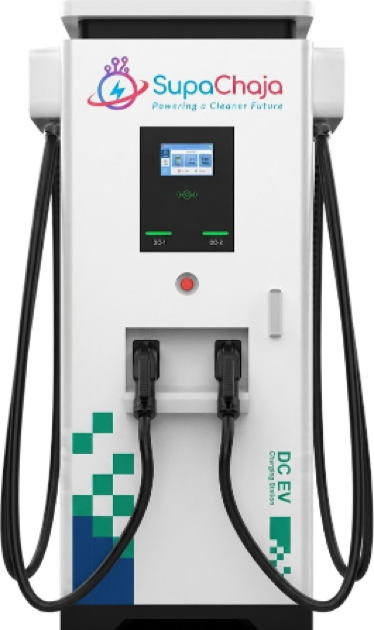
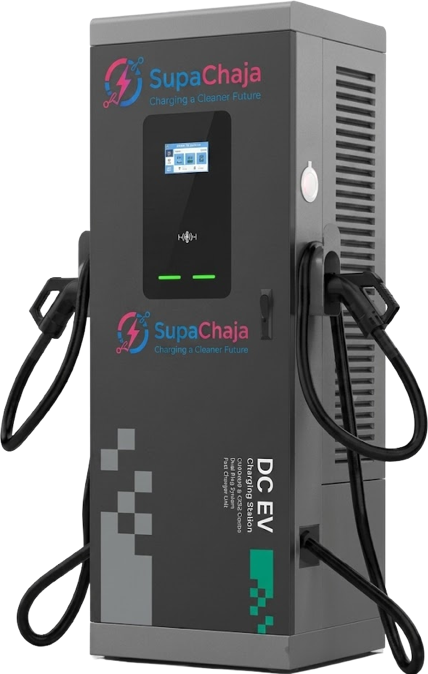
Floor mounted DC fast chargerDual gun DC fast charger

02Select Charging Method

  1. Open the SupaChaja app.
  2. Select station by searching on search dialog box. You can also set filters to only show stations by plug type, power rating and availability
  3. Then select charger that matches the charger ID plugged into your EV, for example SC28AC01
  4. Set up Charging Session “By Time” or “By kW”
  5. Confirm total amount
  6. For individual driver accounts, complete payment via Mpesa, Airtel or Credit Card and start charging. For fleet drivers proceed to start charging
  7. Monitor your sessions. You can enjoy available amenities at your location as charging progresses
  8. Verify session completion on your app
  9. Once charging is complete unplug your vehicle safely, return charging connector securely to its holster and off you go!

Download app on

Get the SupaChaja app on Google PlayDownload the SupaChaja app on the App Store
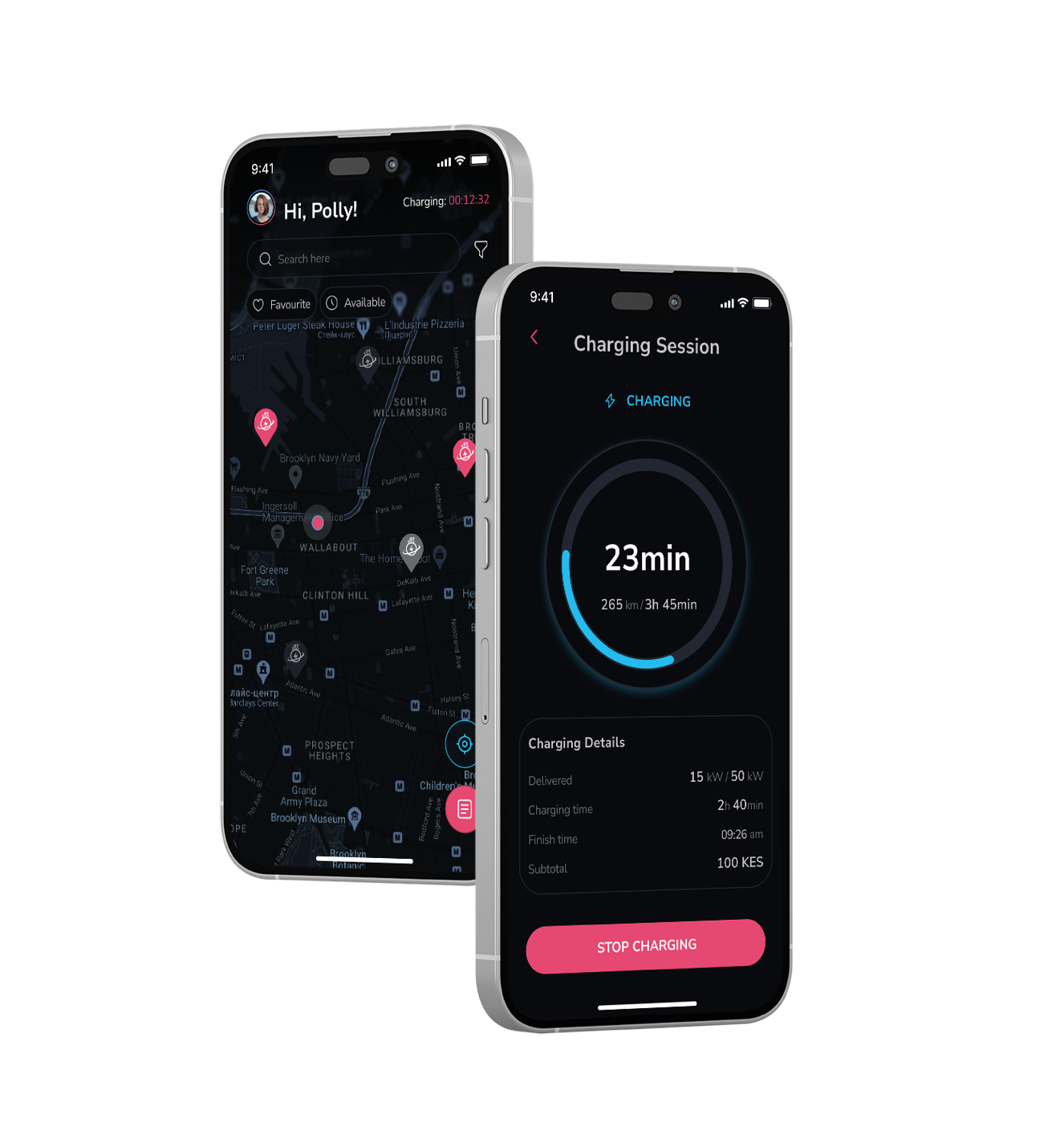
SupaChaja app showing a live charging session

03If Charging Doesn’t Start

  1. Unplug the charging connector from the vehicle
  2. Wait approximately one minute
  3. Plug the connector back into the vehicle
  4. Follow charging steps to resume charging

Need Help:Please call +254 710 508 423